
Migrating your WooCommerce store to a new platform can feel daunting, particularly when transferring essential data such as products, categories, customers, orders, and subscriptions.
Specific migration plugins are available to make the transition smooth, whether you’re switching to a different platform or migrating within WooCommerce itself.
In this article, we’ll showcase the top 12 WooCommerce migration plugins and assess their features and capabilities to help make your migration experience smooth and hassle-free.
Let’s delve into the top-rated WooCommerce migration plugins that are available. These plugins ensure a smooth and efficient migration, allowing you to move your data without hassles.

The WooCommerce Product Import Export plugin is a widely used tool for transferring products and their associated data between WooCommerce stores. This plugin allows you to effortlessly import and export different types of products—such as simple, variable, grouped, and affiliate—using file formats like CSV, XML, TSV, and Excel.
You can carry out bulk operations, including transferring product images, reviews, categories, tags, and other important details. Advanced filtering and automatic column mapping make the process more efficient.
This plugin comes in two versions. The free version is suitable for basic import-export tasks but is limited in terms of the types of products and file formats supported. The premium version provides additional features and is highly recommended for larger WooCommerce stores that require more control over migration.
Key Features:

Advanced Order Export for WooCommerce is a well-regarded plugin that makes site migrations easier, enabling you to export your WooCommerce store data effortlessly. It’s designed to be user-friendly and works seamlessly right from the start, ensuring a straightforward setup.
The plugin supports multiple file formats, such as CSV, XML, XLS, and JSON. You can export not only standard order data but also custom fields associated with products, orders, and coupons. This feature guarantees that all essential information is included during the migration.
Additionally, the plugin offers strong filtering options, allowing you to export only the specific data you need. Its intuitive interface makes the export process simple, enabling users to navigate through settings and options without requiring any technical skills.
Key Features:
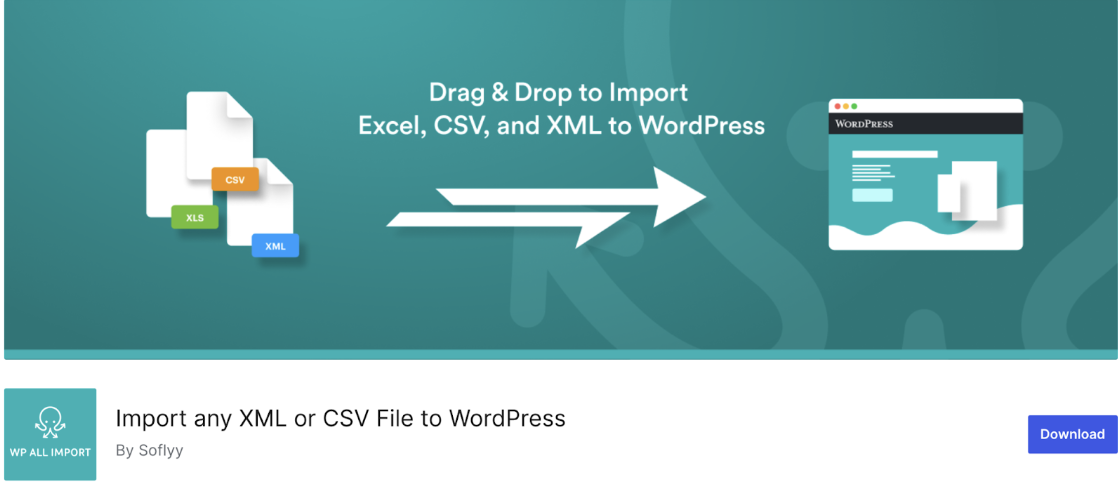
WP All Import is a reliable and popular plugin for transferring data in WordPress and WooCommerce. It is known for its flexibility and user-friendliness, which makes the import-export process smooth and hassle-free. One of its key features is the easy-to-use drag-and-drop interface, enabling users to map data fields effortlessly, even without technical expertise.
This plugin can import data from any CSV, XML, or Excel file, providing you with the flexibility to work with various file formats. Moreover, it offers the option to schedule imports, facilitating automated data transfers at times that suit you best.
WP All Import is particularly beneficial for WooCommerce stores with extensive product catalogs. It effectively manages the transfer of large files, ensuring that even sizable stores can migrate their data seamlessly without delays or performance issues.
Key Features:
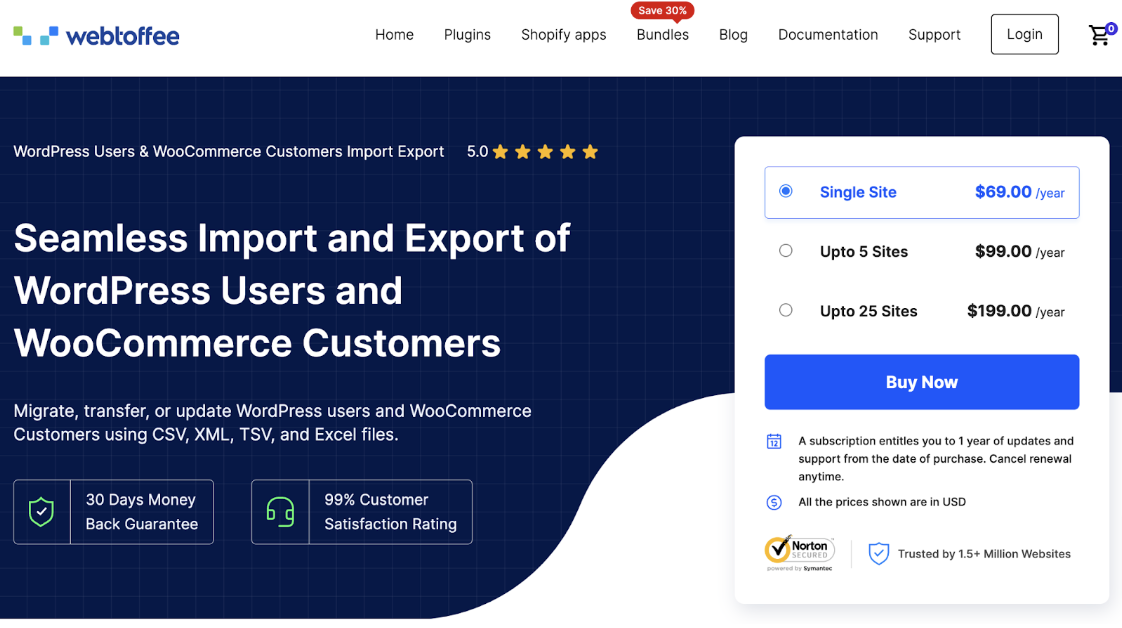
The WordPress Users Import Export plugin is a reliable solution for transferring user and customer data between different sites. It enables you to import and export WordPress users and WooCommerce customers effortlessly.
The plugin is available in two versions: free and premium. The free version of this user import export plugin allows you to manage your data using CSV files, filter by user roles, email addresses, and date ranges, and carry out batch imports and exports. It also ensures that existing user passwords remain unchanged and supports field mapping during the import process.
The premium version of the plugin provides additional features, including support for CSV, XML, and Excel formats, advanced filtering options, field mapping, bulk updates, and more, enhancing control over your data transfers.
Key Features:

The Products, Orders & Customers Export for WooCommerce plugin simplifies exporting your store’s data—such as products, orders, and customers—into CSV or XML files with just a few clicks. Its straightforward, user-friendly interface is ideal for small-scale data migrations.
The free version works well for basic exports. If you require more advanced features and greater control, upgrading to the Pro version provides enhanced capabilities for handling more complex export tasks.
Key Features:
LitExtension is a WooCommerce plugin that makes it easy to migrate your eCommerce store from more than 140 platforms to WooCommerce. It facilitates the quick and efficient transfer of essential data such as products, customers, and orders, ensuring nothing gets lost during the process.
The plugin also allows your site to remain fully operational throughout the migration, preventing downtime. Additionally, with dedicated customer support, you’ll receive assistance at every stage to guarantee a smooth migration experience.
Key Features:
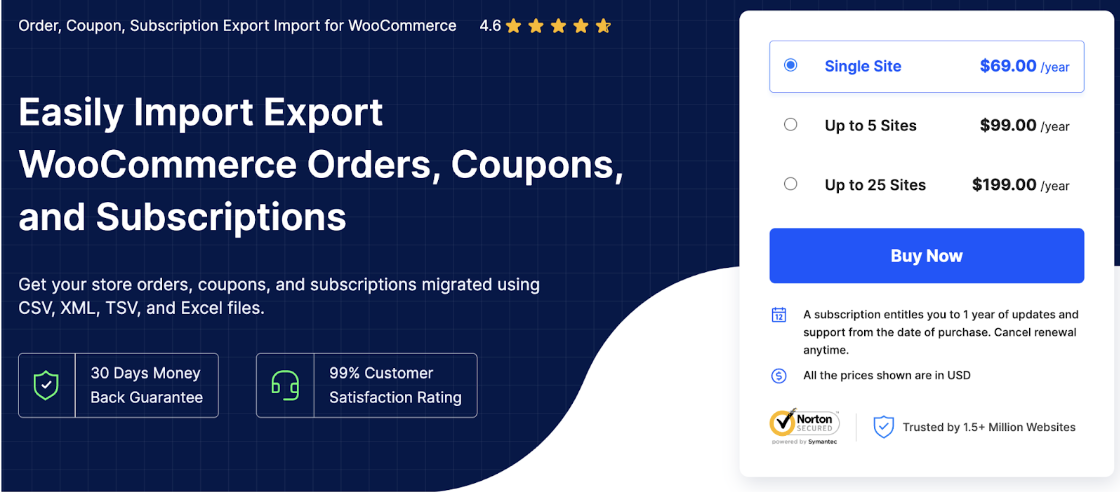
WooCommerce Order Import Export is a robust plugin that simplifies the bulk transfer of store orders, coupons, and subscriptions, including any custom metadata. It provides a variety of options for importing and exporting and features advanced filtering to ensure precise data migration.
The plugin is available in both free and premium versions.
The free version allows you to import and export orders using CSV files and migrate coupons, but it is limited to these two functions. The premium version enhances functionality, enabling seamless migration of orders, coupons, and subscriptions in CSV, XML, TSV, and Excel, along with advanced filtering options.
Key Features:

The All-in-One WP Migration Plugin is a popular choice for migrating data from WordPress sites, with over 60 million websites relying on it. Its user-friendly design makes it accessible for those without technical skills, simplifying the migration process.
What makes this plugin stand out is its ease of management of large websites. It also boasts excellent compatibility, working well with most WordPress themes and plugins. Additionally, thanks to collaborations with various theme and plugin developers, All-in-One WP Migration connects with leading cloud storage services like AWS, Microsoft Azure, and Google Cloud.
Key Features:
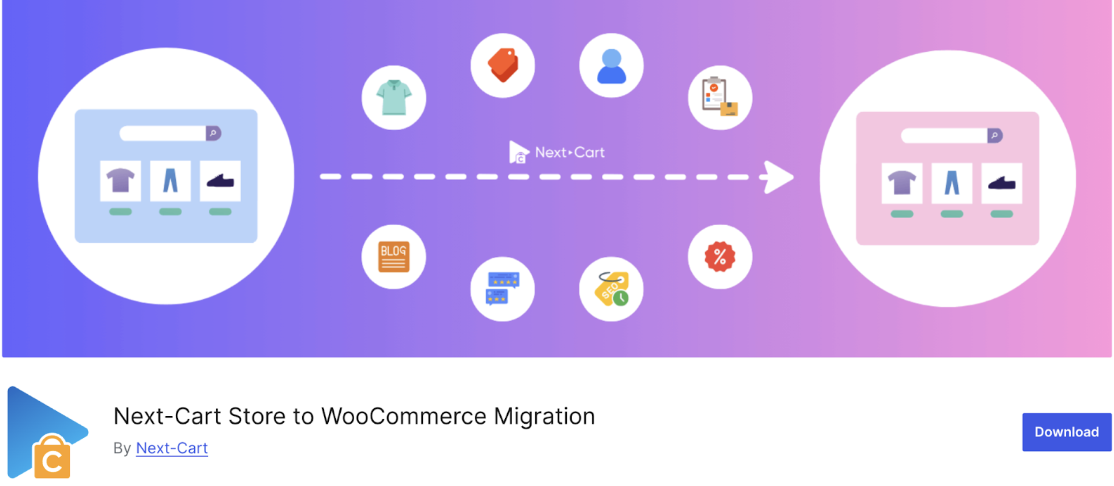
If you’re considering moving your store to a new platform, the Next-Cart Store to WooCommerce Migration plugin is an excellent option. It takes care of transferring everything—products, categories, customers (including their passwords), orders, taxes, coupons, blog posts, pages, and more.
With Next-Cart, you can migrate data from more than 80 eCommerce platforms, such as OpenCart, Shopify, and BigCommerce, to WooCommerce. Additionally, your site remains fully operational during the migration process, which occurs smoothly in the background.
Key Features:
The WooCommerce Customer/Order/Coupon Export plugin simplifies exporting users, customers, and coupons in either CSV or XML formats.
By integrating this plugin into your WooCommerce store, you can easily export single records or large batches of data as needed. It lets you set up automated exports through FTP, HTTP POST, or email.
Moreover, you can design custom export formats to include particular details about customers or orders. The plugin runs in the background, facilitating a seamless migration process so you can focus on other essential tasks.
Key Features:
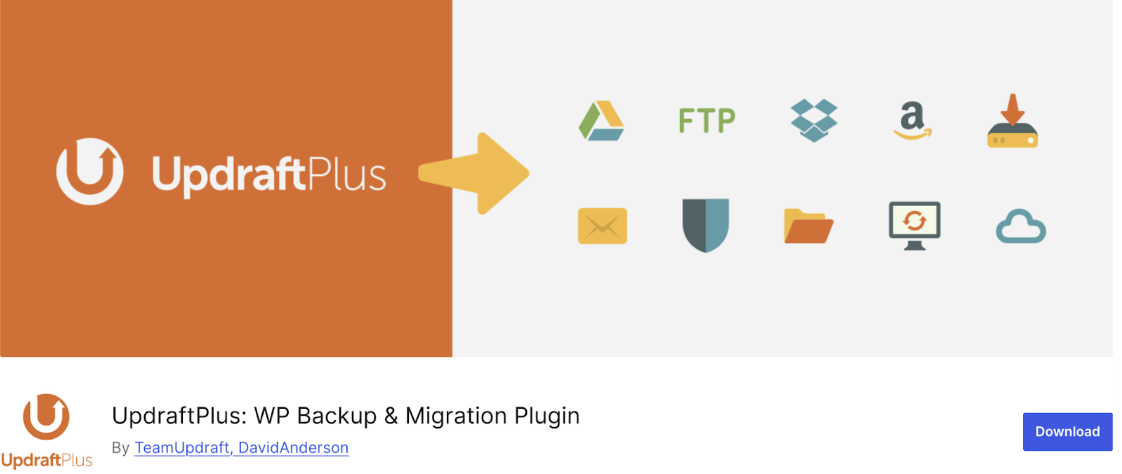
UpdraftPlus is a highly regarded and popular website migration plugin with more than 3 million active installations. It makes moving your WordPress or WooCommerce site to a new host or domain a breeze and removes any complications.
Thanks to its integrated search and replace feature, UpdraftPlus automatically adjusts old site strings to reflect the new location. The plugin also offers backup options to various storage services, such as Dropbox, Google Drive, Rackspace Cloud, and others.
Key Features:
The WordPress Import Export Lite plugin is a simple yet powerful tool for handling site data import and export.
Using this plugin, you can easily export your site data in different formats and import those files into any WordPress site. It supports importing and exporting various content types, including posts, pages, custom post types, taxonomies, comments, and users—all with a single click. This feature makes it an excellent choice for managing WordPress site data across multiple sites, ensuring a fast and accurate transfer of information.
Key Features:
If you’re planning to migrate your WooCommerce store, the plugins mentioned in this article will drastically simplify the process. Although migrations can seem overwhelming, the right tools can help you navigate the complexities and ensure a seamless transfer of your site data.
When selecting the best plugins for your needs, it’s crucial to consider your specific requirements. In addition to technical features, consider your budget and the scale of your operations.
This article aims to assist you in the evaluation process, helping you pinpoint the perfect migration plugin to make your site migrations not only easier but also more efficient.

A seasoned technology writer and marketing consultant with over a decade of experience helping businesses grow online. I specialize in content marketing, SEO, web design, and e-commerce development. I am enthusiastic about using cutting-edge technology to acquire high-quality traffic, generate leads, and increase sales for my clients.