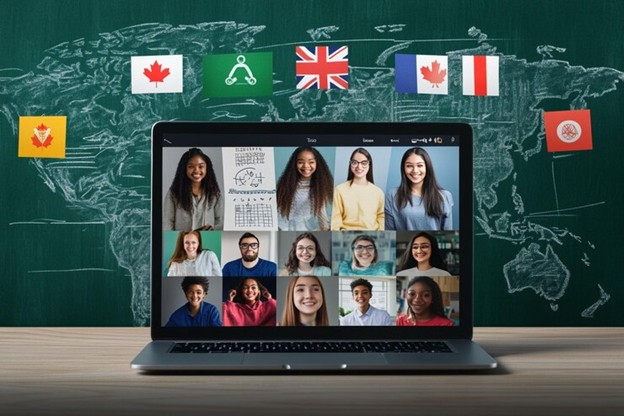
Engaging with an international audience requires more than just translating the text of your website. A truly localized experience also involves translating the visuals, such as images, too. Whether it is a product label or promotional banner, localizing these images ensures that your message is clearly understood by users around the globe.
Despite its importance, the localization of images has several complications such as inconsistency, time consumption, and manual translation. However, the availability of online tools has made this task easier and quicker than ever.
To find out more about localizing the web images using these online tools, keep reading the article till the end.
As the tech has increasingly evolved, online image translation tools have entered the industry and have become a game-changer for translating web images. They allow you to instantly translate the images and make sure that during the process, the quality of the image remains the same.
However, you must understand that, as there are efficient and useful tools on the internet, there are some that are not reliable and efficient, so it is important to make the right choice so that the quality and speed of the process do not get compromised.
To find out the right tool from the several available on the internet, you can make a list of the features that you want in the tool, and then on your list, you can search on the internet and check SERPs to get the right tool for your process. If you get an idea about how to make the list, see the one we have made below.
Based on these features, we looked on the internet and checked the SERPs and came across the Photo Translate tool by imagetotext.io. The image translator caught our attention because it followed all our requirements and was also ranking on the search engine result pages. Now, with the help of this image translator, we will give a pictorial demonstration of how you can translate your web images. A complete guide is shared below.
Below, we have shared all the steps that are involved in translating the web images using the photo translate tool.
Using any online browser, access this tool and upload the image that you want to translate.
Once you have uploaded an image, the next step is to select the language in which you want your image to be translated. The options given by the tool for this purpose are shown in the attachment below.
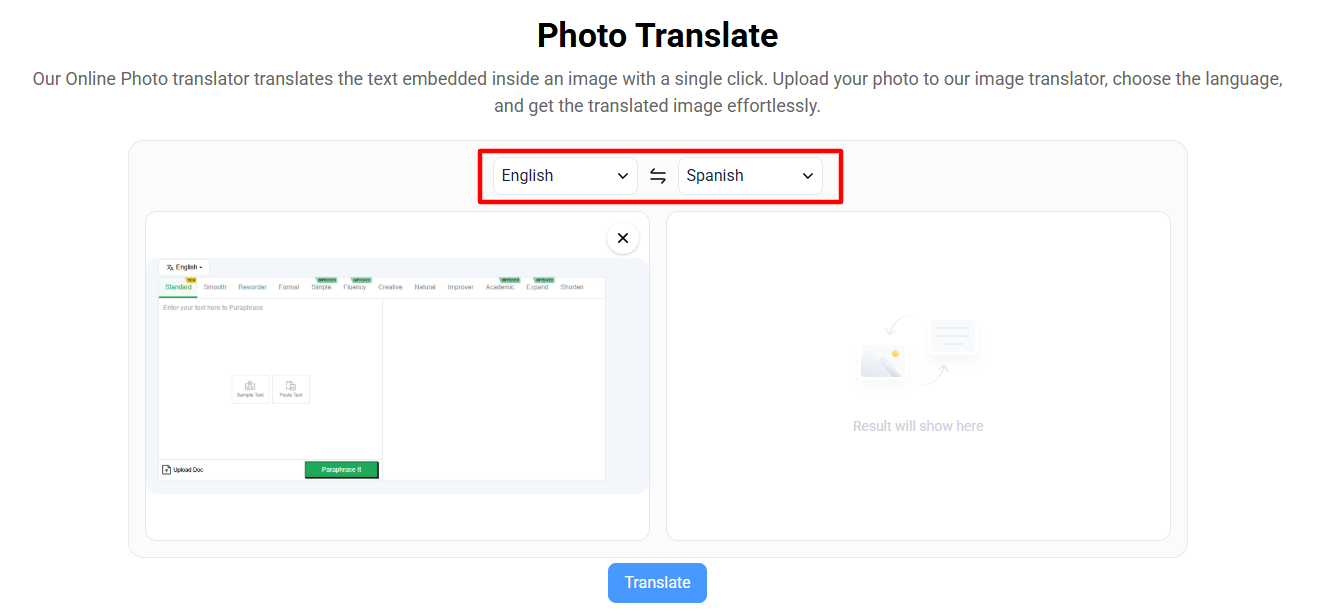
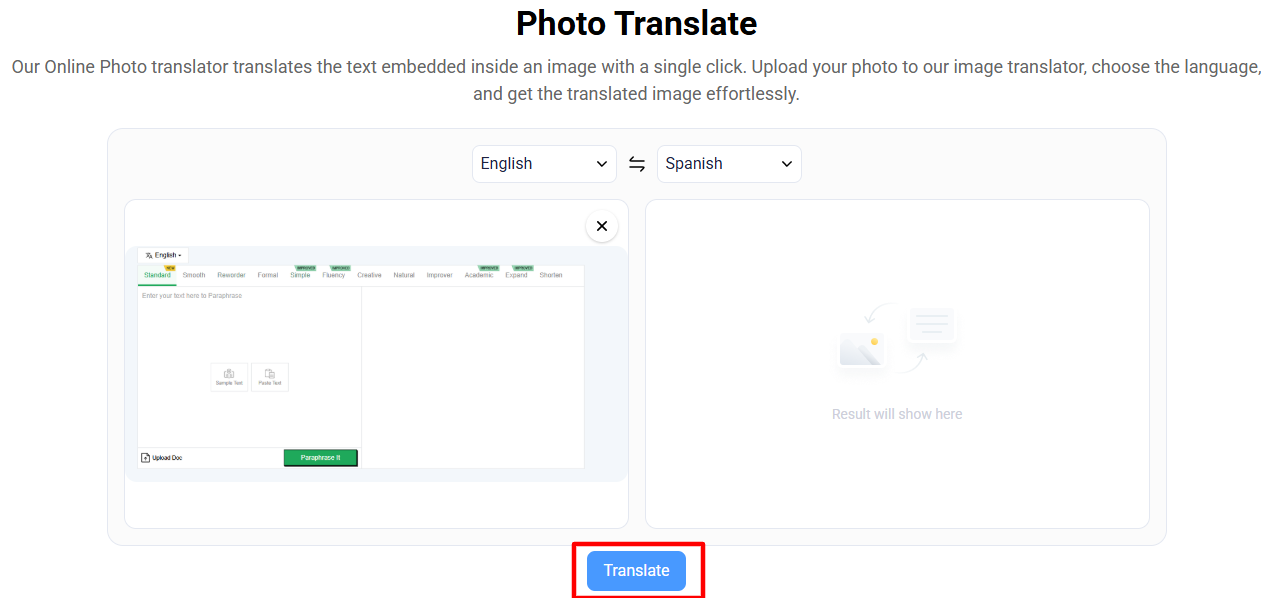
Once you have uploaded the image and have selected the necessary options, click the “translate” button.
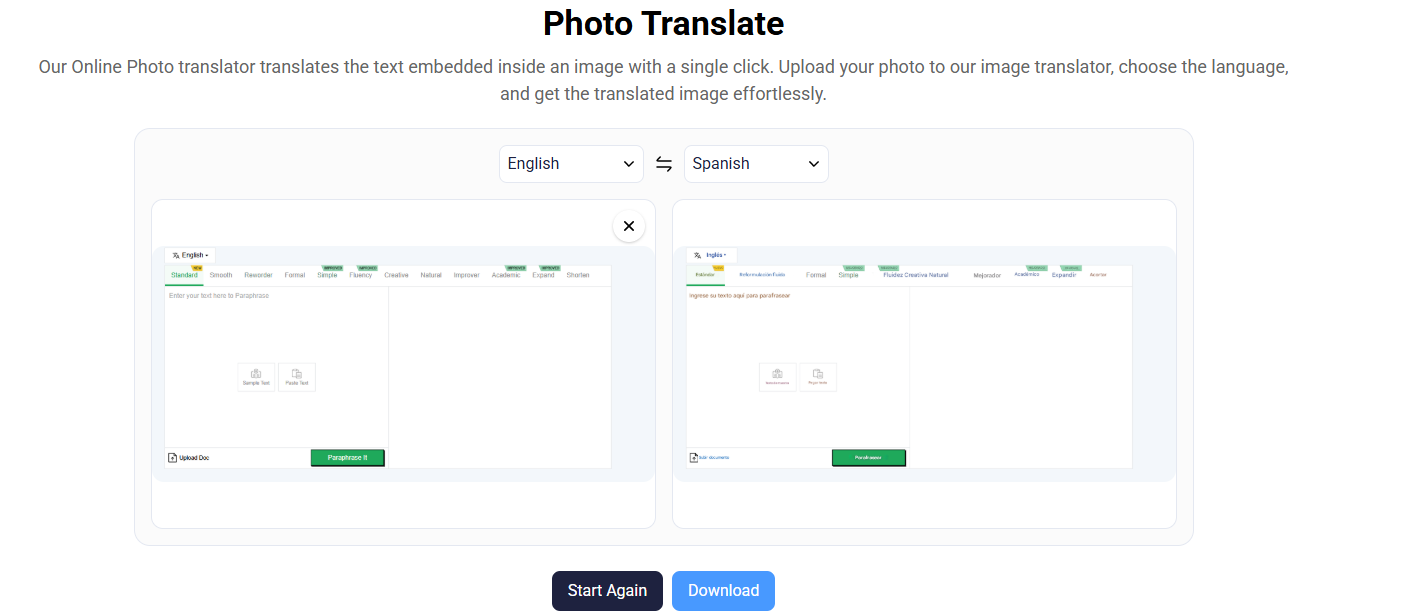
Once the tool has translated the web image into your desired language, the next step is to review it before saving it to your device. It will help you ensure that the image is accurately translated and no mistakes are made. As you have reviewed the image and are satisfied with the output, you can now consider it the final output.

When you are done reviewing the image, you can download the image directly to your device using the option given by the tool.
To ensure that the process stays seamless, we have shared some best practices below so that the process gets easier.
Before translating, consider whether the image itself resonates across cultures. Use visuals that are inclusive and culturally neutral whenever possible to avoid misunderstandings.
When adding the images to your website, make sure that the amount of embedded text in images is minimal to simplify localization.
Be aware that translated text can be longer or shorter than the original. Adjust layouts to ensure readability and visual balance across all languages.
When adding and translating the images, try to ensure that the images are of high quality so that the localization process gets easier and the image’s quality also does not deteriorate.
Localizing your web images is no longer just a nice-to-have; it’s a necessity. Visuals are often the first thing users notice, and when those visuals speak their language, the impact is immediate and powerful.
By using reliable tools like Photo Translate by ImageToText.io, you can ensure that your images communicate effectively with diverse audiences, regardless of geography or language.
With the right approach and tools, the image translation process becomes smooth, fast, and accurate, allowing you to maintain consistency, quality, and user trust across all your digital platforms.

A seasoned technology writer and marketing consultant with over a decade of experience helping businesses grow online. I specialize in content marketing, SEO, web design, and e-commerce development. I am enthusiastic about using cutting-edge technology to acquire high-quality traffic, generate leads, and increase sales for my clients.